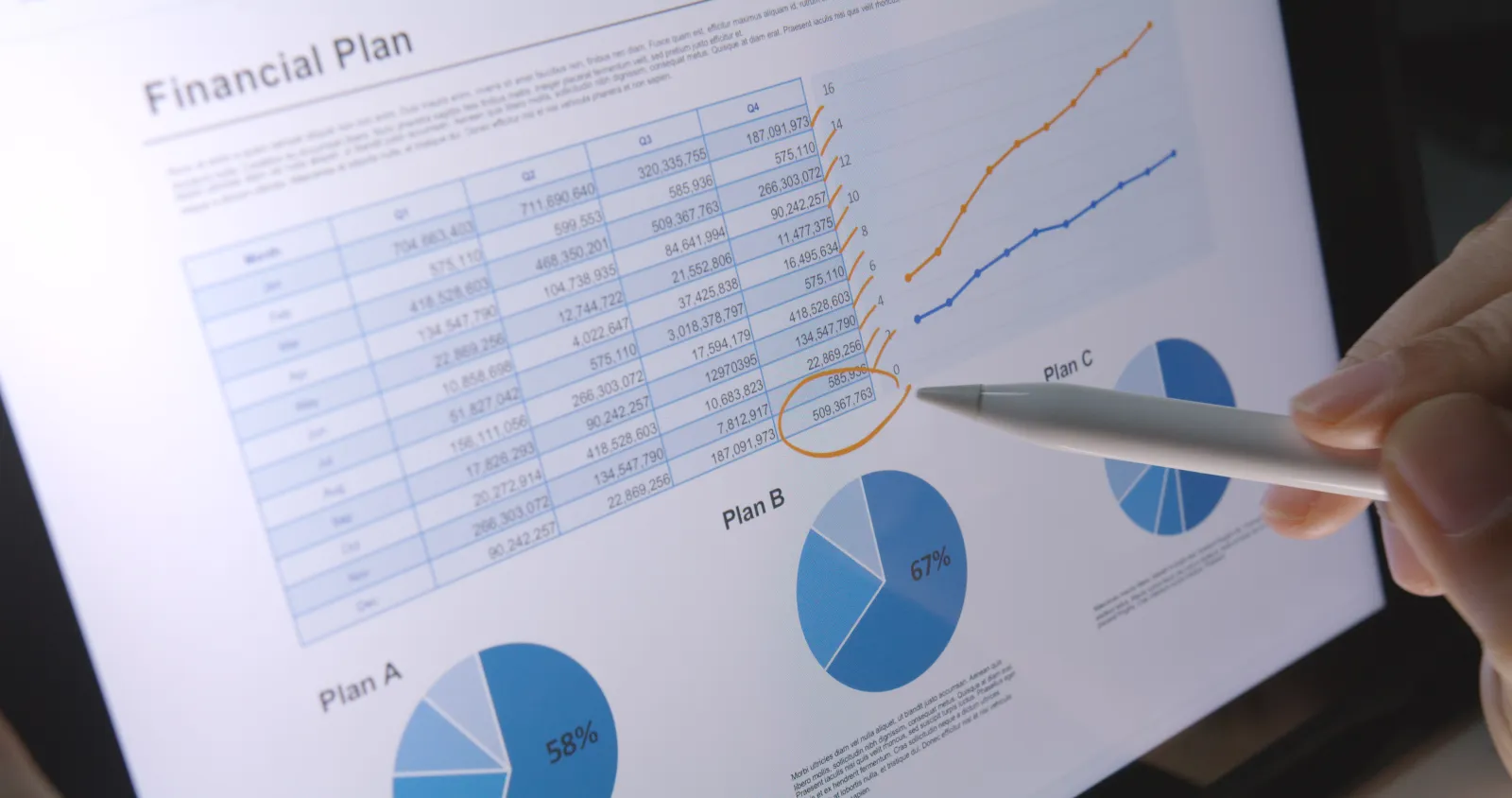
A customer pays an invoice, but the amount that lands in the bank account is a few percent short of the invoice total because a portion was withheld at source before the transfer was made. On the bank statement, the line shows a round number with no invoice reference in the description field, sent from a company name that does not exactly match the customer record. Multiply this by dozens of incoming payments a month, across a TL account and one or two foreign-currency accounts, and a finance team in a Turkish subsidiary can lose several working days each month just deciding which invoice each line belongs to before the books can close.
Bank feed integration does not remove this work by itself. What it changes is where the manual effort goes: instead of re-keying every line from a downloaded statement, the finance team reviews only the lines the system could not confidently match on its own.
What a bank feed connection actually replaces
A bank feed is a direct connection between the ERP and the bank, so transaction lines arrive automatically instead of being downloaded and re-entered by hand. Depending on the bank, this arrives as a near-real-time notification for each transaction or as a file pulled on a fixed schedule. Either way, the distinction that matters is: the finance team stops retyping amounts, dates, and reference text from a PDF or Excel export, and starts working from a list the system already populated.
This is a narrower claim than "automatic reconciliation." The feed only solves data entry. Matching each line to the right open invoice is a separate step, and it is the step that actually determines how much manual time is saved.
Why automated matching breaks on withholding and partial payments
A matching engine typically checks amount, date, and any invoice reference text in the description field against the list of open invoices. This works cleanly when a customer pays one invoice in full with the invoice number in the transfer description. It breaks down in a few recurring situations that are common in Türkiye specifically:
| Situation | Why the amount does not match the invoice |
|---|---|
| Withholding tax deducted at source | The customer transfers the invoice total minus a percentage withheld under the applicable tax rule, so the incoming amount is short by a non-obvious figure |
| Bulk transfer covering several invoices | One bank line settles multiple open invoices at once, so a one-line-to-one-invoice match fails |
| Payment sent against the wrong customer name | A payment arrives from a related company or a different legal entity than the one on the invoice, with no reference text tying it back |
| Rounding on FX conversion | A foreign-currency payment converted at the bank's own rate lands a small amount off from the invoiced FX amount |
None of these cases mean the matching engine is broken. They mean the exception queue is where the real financial control work happens, not the automatic-match count. A subsidiary that treats a high automatic-match rate as the goal, rather than a fast and accurate exception queue, ends up with unresolved items quietly aging in the background.
Multiple banks, multiple currencies: what changes for a foreign-owned entity
A foreign-owned subsidiary commonly holds at least one TL operating account and one or more FX accounts for supplier payments or intercompany transfers, sometimes across more than one bank. Each bank feed needs its own connection, and each currency needs its own reconciliation logic — a TL account reconciles against TL invoices, an FX account against invoices in that same currency, with the conversion rate used for the local-currency booking tracked separately from the rate the bank actually applied. When these are mixed into a single reconciliation view without keeping the currency and rate distinctions explicit, small FX differences accumulate into a balance that nobody can fully explain by month-end.
This also matters for what a parent company's finance team expects to see: a consolidated cash position across banks and currencies, refreshed from the same feeds finance already reconciled against, rather than a manually assembled summary built specifically for the reporting deadline.
What should happen to a line the system cannot match
An unmatched line has three realistic outcomes, and the difference between a working process and a backlog is how deliberately each outcome is used:
- Suggested match with one likely candidate — the system proposes an invoice based on partial evidence (close amount, matching customer, wrong reference text) and a person confirms or rejects it in a few seconds, rather than researching it from scratch.
- Multiple candidates — several open invoices could explain the amount; a person needs the full customer statement, not just the one bank line, to decide.
- No plausible match — the line sits in a visible, dated queue rather than being written off to a suspense account and forgotten. A queue item aging past a set number of days should be a specific, assigned task, not a line item nobody owns.
The practical failure mode is not that automated matching misses some lines — every setup does. It is that the unmatched lines have no owner and no age tracking, so a payment from three months ago is still sitting unexplained when the annual audit asks for it.
Vendor payments: the same problem in reverse
On the payment side, the flow runs the other way: an approved invoice enters a payment run, the ERP generates a batch payment file for the bank, and the transfer executes once the required approvals are in place. The reconciliation question here is different — it is not "which invoice does this incoming amount belong to," but "did this outgoing batch actually clear as instructed, for the full list of invoices it was meant to cover." A batch that fails partway (one supplier's IBAN rejected, for example) needs to surface as a specific unpaid line, not disappear into an assumption that the whole batch went through because the file was submitted.
What this changes at month-end
The reconciliation work does not disappear; it moves earlier and becomes smaller. Instead of one large reconciliation exercise after the period closes — when statement lines from three or four weeks have piled up and the people who could explain an odd payment have already moved on to other work — the exception queue is reviewed in small batches as transactions arrive. By the time the period actually closes, what is left to review is the handful of items still unresolved, not the full month's transaction volume.
How Birasyo structures this in practice
In Birasyo, each connected bank account — TL or foreign-currency — feeds transactions into the finance module as they occur, and the matching engine checks amount, date, customer or supplier reference, and open invoice balance before proposing a match. Lines affected by a source withholding deduction or a bulk payment covering several invoices are flagged for review rather than forced into an incorrect single-invoice match. Every unresolved line sits in a dated queue with an assigned owner, visible in the same accounts module used for the underlying customer and supplier ledgers, so nothing ages silently in a suspense account. Outgoing payment batches report back per line, so a rejected transfer inside a batch surfaces as a specific open item instead of a false all-clear.
Summary
Bank feed integration removes manual data entry, but it does not remove the matching decision — withholding deductions, bulk payments, and FX rounding are the recurring reasons a line will not match an invoice automatically in a Türkiye context, and they are common enough to plan for rather than treat as exceptions. Multiple banks and multiple currencies each need their own reconciliation logic rather than a single blended view. The measure of a working setup is not how high the automatic-match rate is, but whether every unmatched line has a visible owner and an age, on both the collection and the payment side, so month-end closes on a short review list instead of a full month's backlog.
If you would like to see how your current bank reconciliation process would hold up against this checklist, a demo is a good place to start.
Related reading:
Share this on LinkedIn
Headline, summary and hashtags copy to your clipboard and the LinkedIn composer opens — paste (Cmd/Ctrl+V) and post.