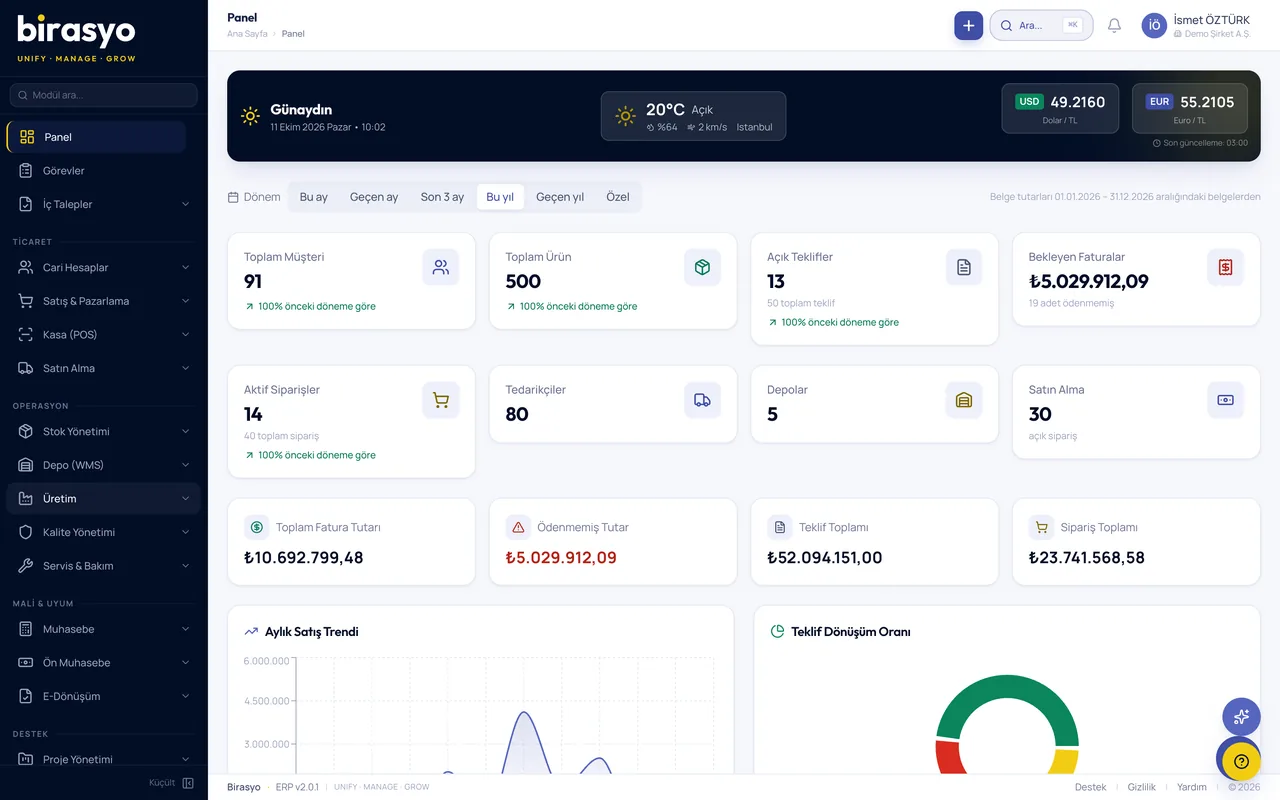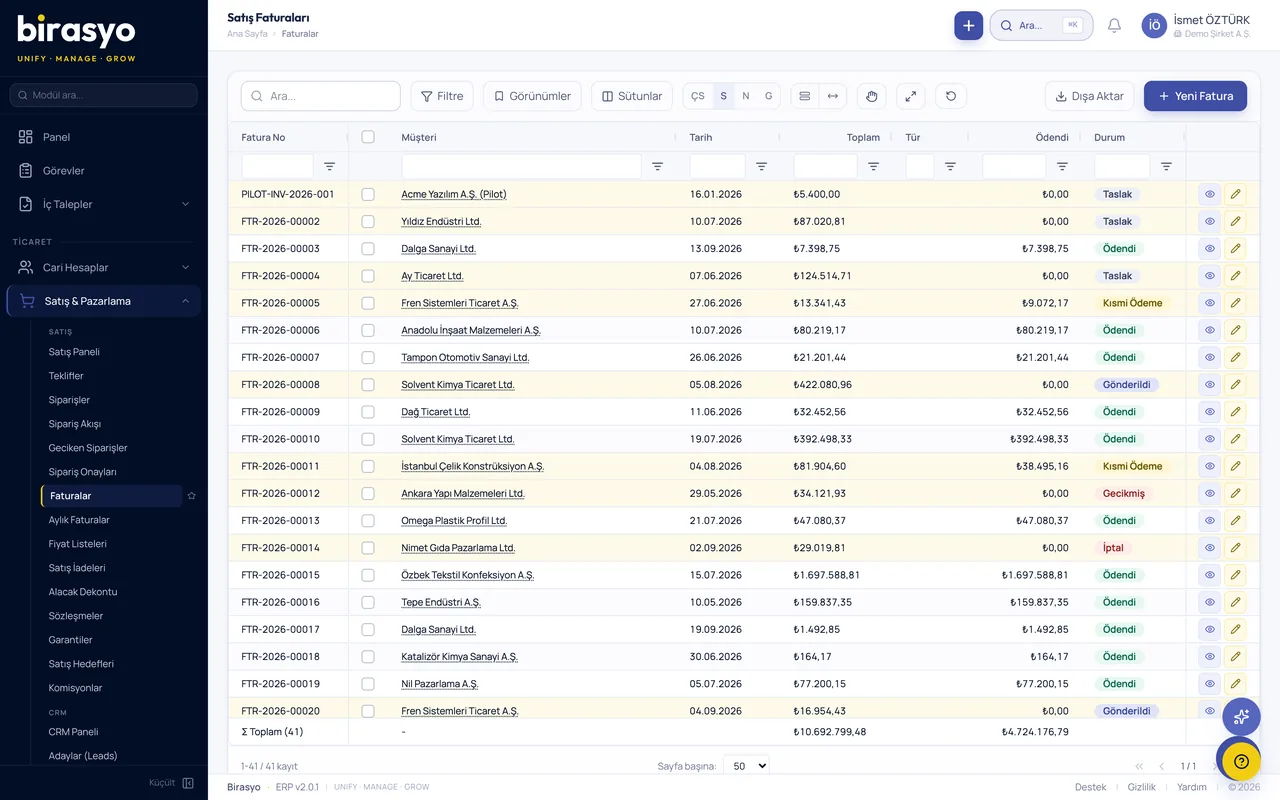
 All your business processes on one platformAll 29 modules use the same records. An order entered in sales is posted to stock, the invoice and accounting by itself. You never type the same information twice or collect records at month end.Explore modules
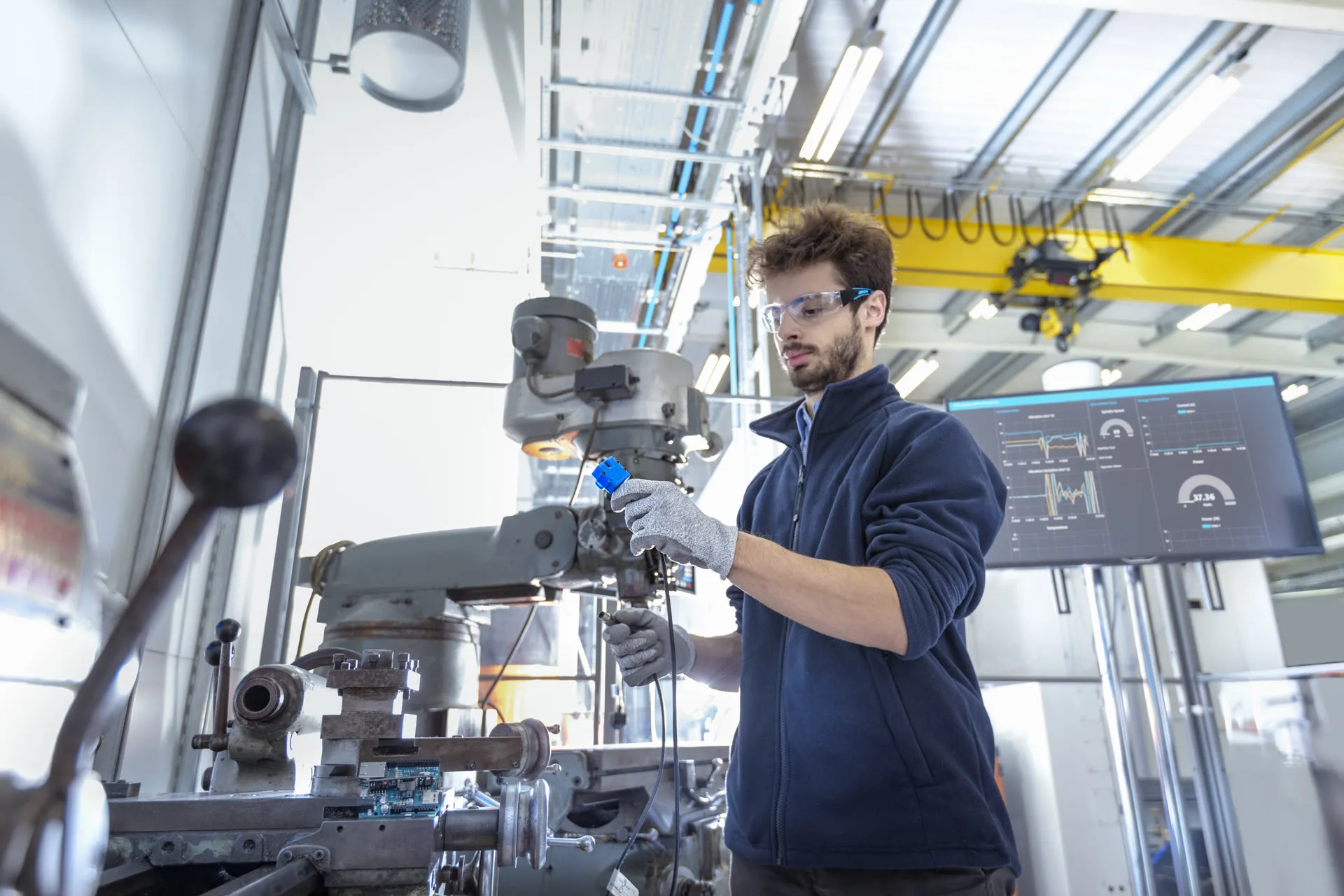 Cloud ERP for your businessSetup is tailored to your sector, with the modules commonly used in it preselected. You start with the module you need and add others as your business grows. You don't deal with servers, backups or updates.More details
 ERP with a built-in AI assistantType your question in plain language and get the answer without waiting for a report. The assistant reads your own ERP records and shows which record the answer is based on. It prepares reports, reads documents and flags unusual records.Explore the assistant
ERP software for businesses
Birasyo brings 29 modules for finance, manufacturing, sales and human resources together on one platform. It was built for Turkish regulations. You start with the module you need and add new ones as your business grows. All of them use the same records.
We don't show you a canned demo, we show the system running on your own data.
Sector-based setup
The modules commonly used in your sector come preselected at setup.
AI assistant
It answers your questions from your ERP records, so you do not wait for a report.
Runs in the cloud
You don't deal with servers, backups or updates.
e-Transformation included
e-Fatura (e-invoice), e-Arşiv (e-archive invoice) and e-Defter (e-ledger) are built into the system. No separate software is needed.
29
modules on one platform
7
module groups
9
sector-based setups
59
blog articles
Microsoft Azure infrastructure, European data centresData management compliant with KVKK and GDPRAES-256 and TLS 1.3 encryptionSecurity details
Proof of concept (PoC)
We don't show a canned demo, we show the system running on your own data
Before the meeting we take a sample of your data and load it into an environment set aside for you. In the meeting you see your own customers, products and invoices on screen and try your own process from start to finish.
We take a sample of your data
Your customer, product, stock and open-invoice lists are enough. Export them from Excel or from the software you use today.
We load it into your own environment
Your data sits in an environment that is open only to you. No other company can see it.
You try your own work on screen
Turn a quote into an order and the order into an invoice, and see stock and account balances in your own figures.

A dedicated screen for every department
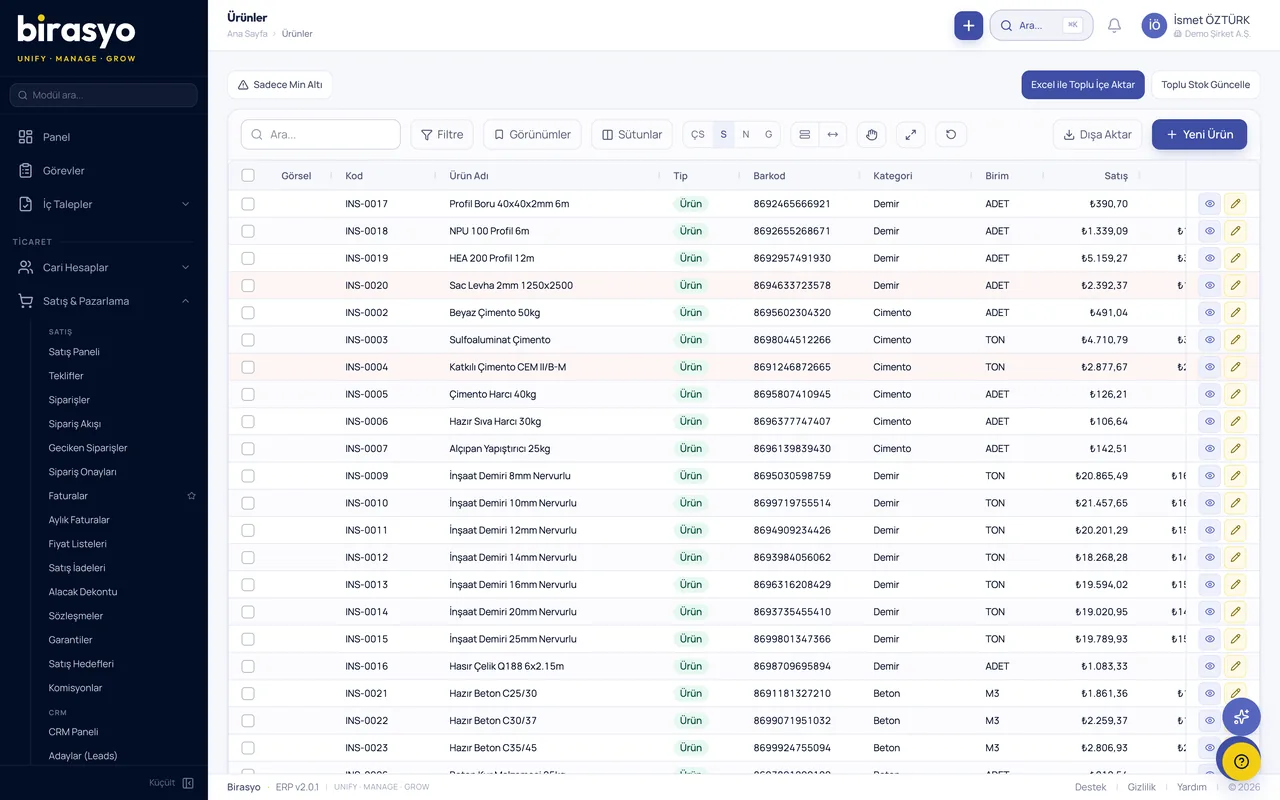
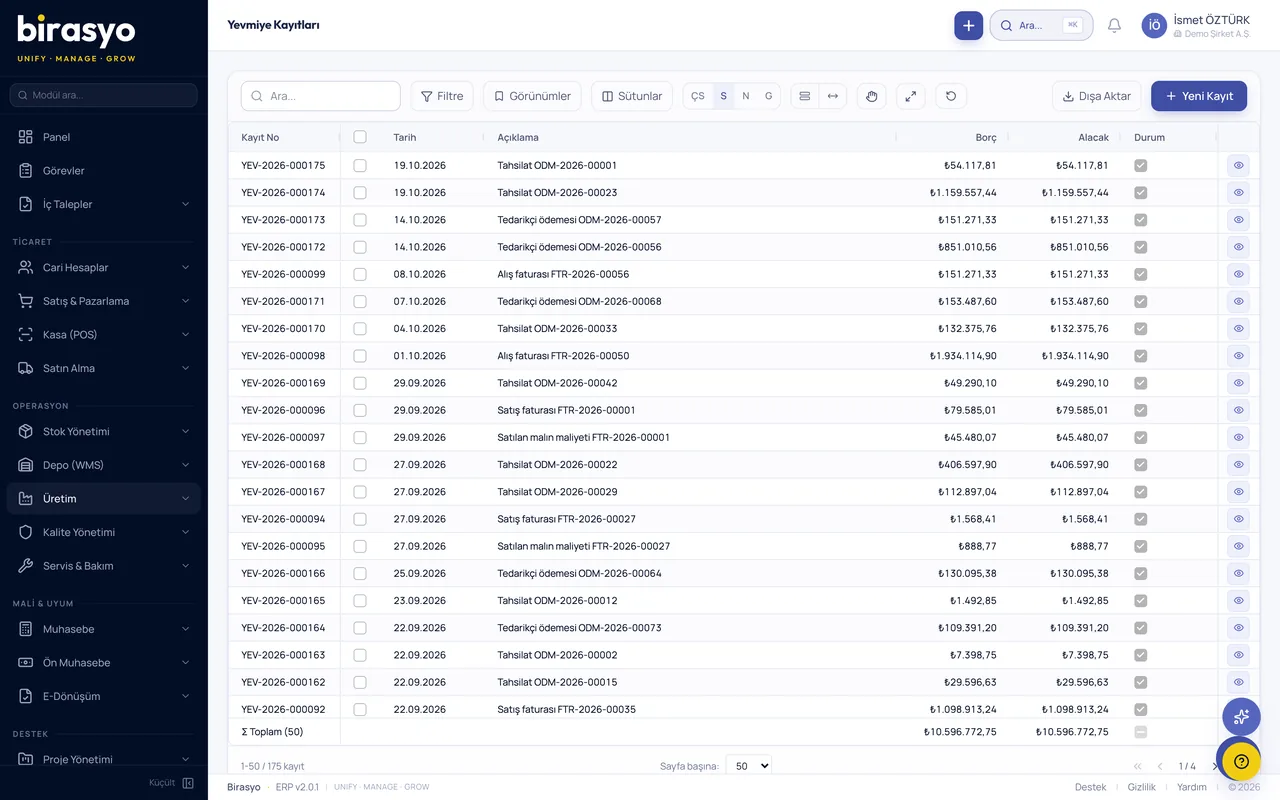
Birasyo gives the finance, manufacturing, sales and human resources departments the screens for their daily work and the figures they look at, all in one place.
See it with your own dataBirasyo consists of 29 modules. The main ones are below. Each also works on its own.
CRM
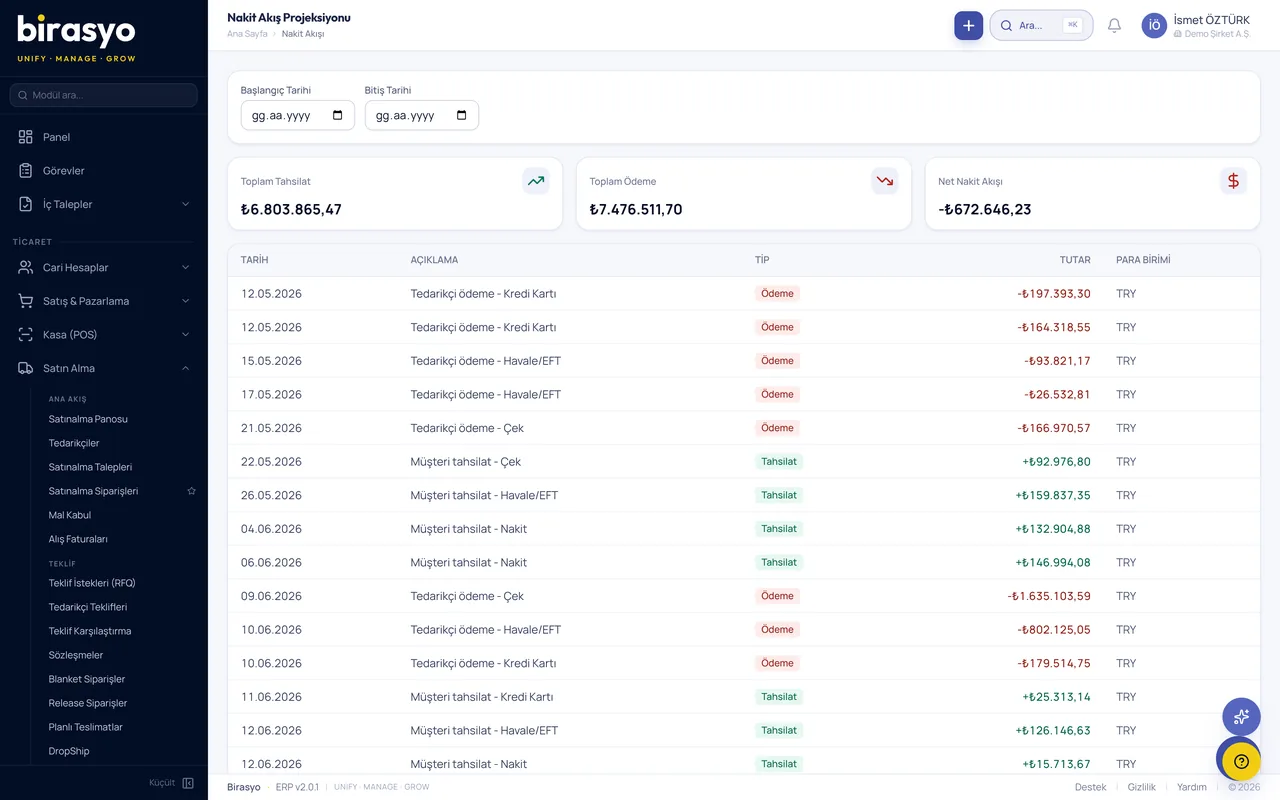
Leads, opportunities, quotes and after-sales support are tracked in one CRM. Use it with Birasyo ERP, on its own, or connected to the software you already have.
See details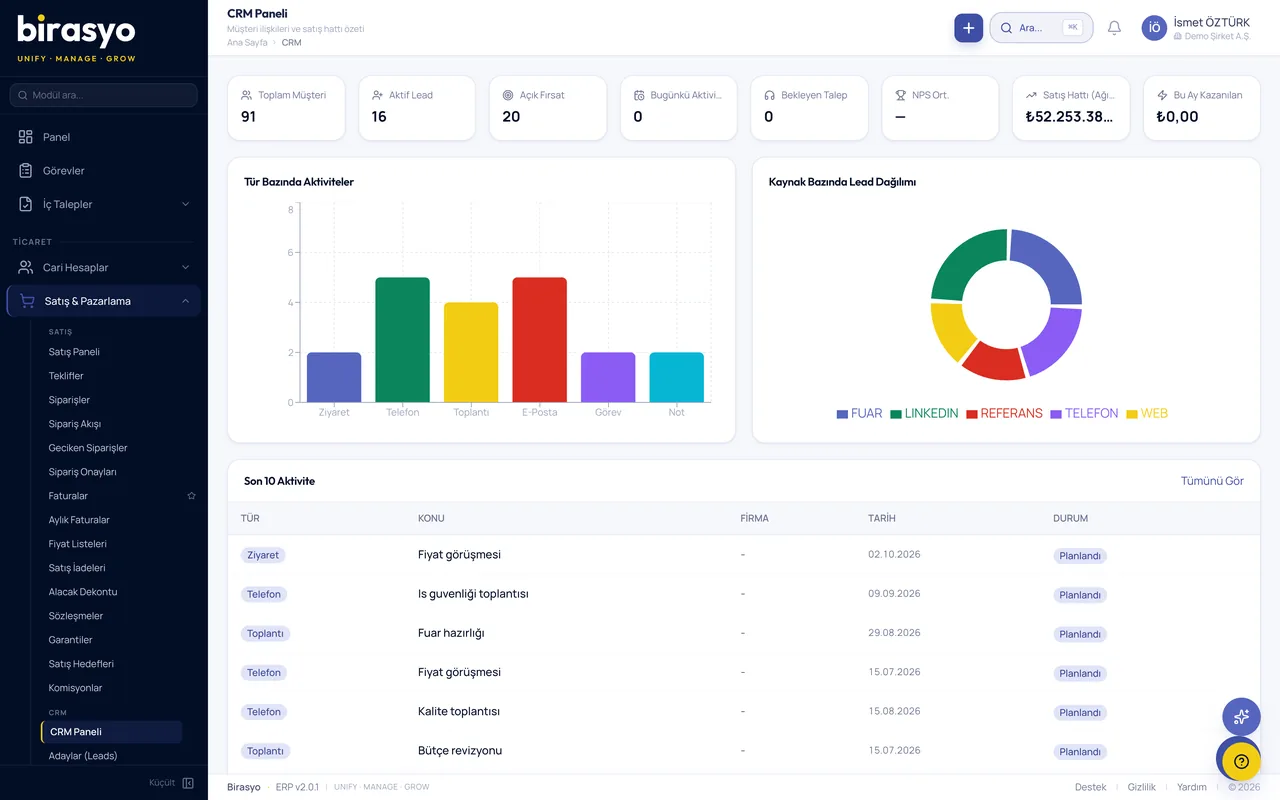
Purchasing
Requests, quote collection, orders, goods receipt and invoice matching in one place. Use it with the ERP, on its own, or connected to your current accounting software.
See details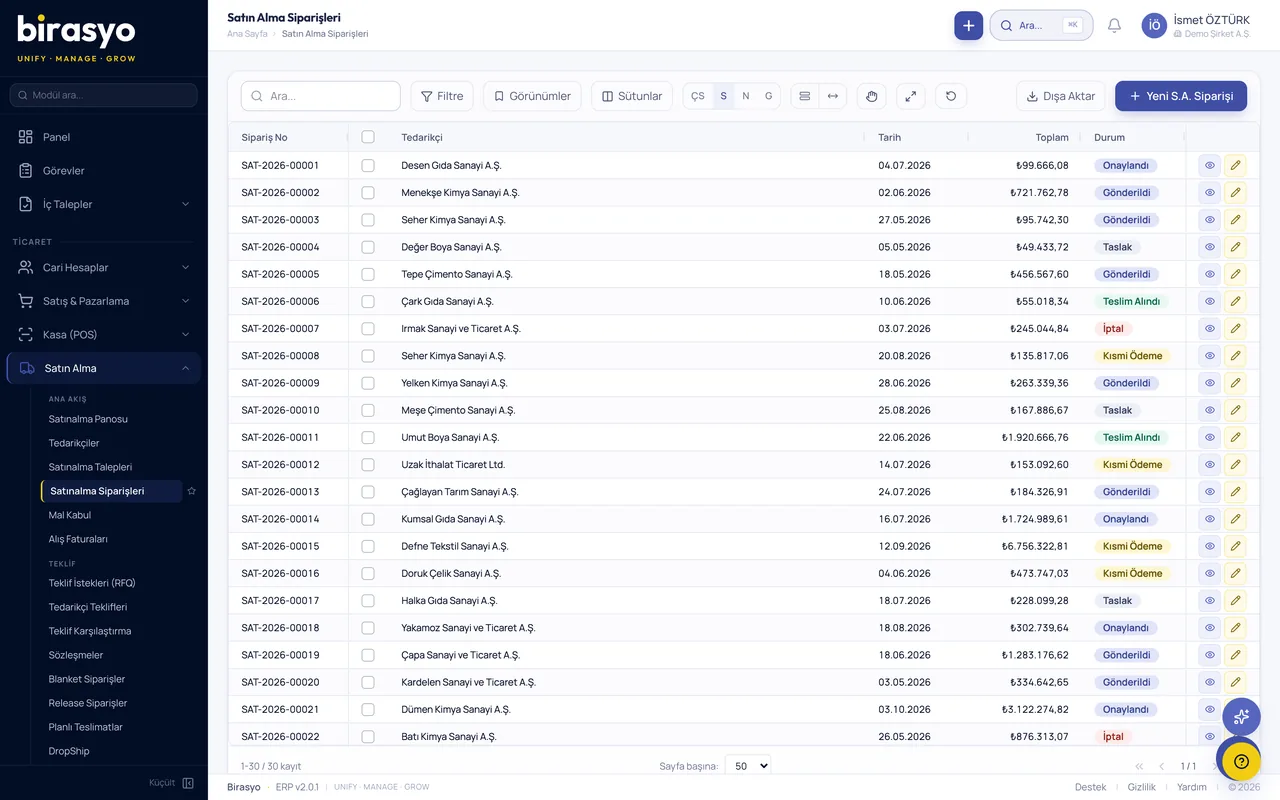
Set up around how your sector works
Every sector works differently. Birasyo is set up with the modules and settings commonly used in your sector. We adapt the rest together.

retail and chain stores
Manage stores, the central warehouse and accounting from one system. Each branch's data reaches head office at once.
See the solutionLatest articles from the blog
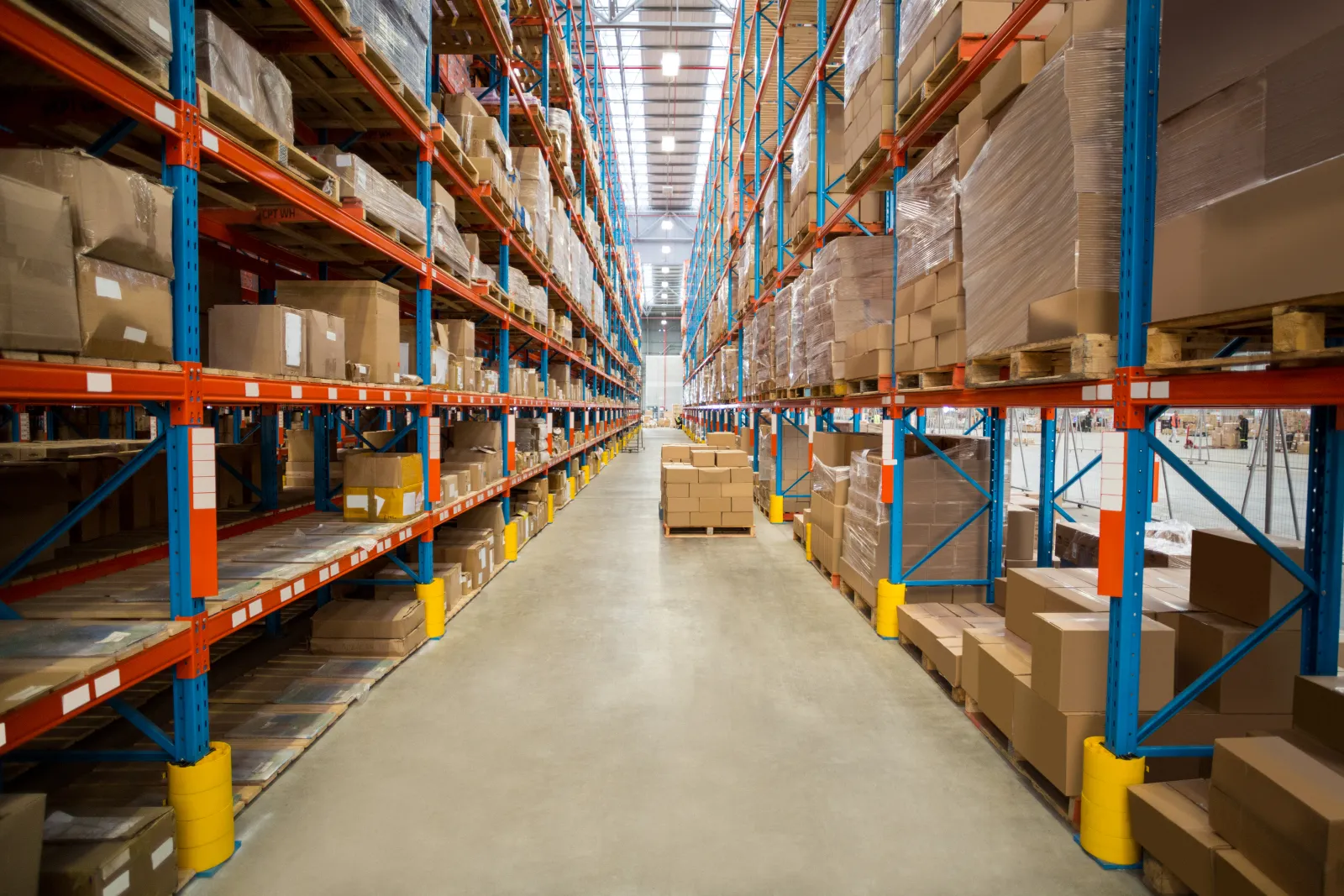
Operations
Warehouse Bin Locations, Putaway and Picking: Setting It Up in ERP
When stock is known by warehouse but not by shelf, every pick depends on one person's memory. This guide shows how bin addressing, putaway rules and pick lists are set up in ERP, and what a foreign-owned Turkish operation should check first.
Switching from other software
Customer and supplier accounts, stock and opening balances are moved in a planned migration. Your data is not lost.


ERP Guide
How to Prepare for an ERP Proof of Concept
What you get out of a proof of concept depends on how you prepare. Which data to give the seller, which processes to have them run, how to protect personal data and who should be in the room.

ERP Guide
What Is an ERP Proof of Concept and How Does It Differ from a Canned Demo?
In a canned demo you watch the seller's sample company. In a proof of concept the software runs on your own customers, products and invoices. What a PoC is, when you need one and what you should have in hand when it ends.

ERP Guide
How to Make the ERP Decision After a Proof of Concept
When a proof of concept ends you should have records, not impressions. How to turn the scenarios that worked and did not work, the problems found in the data import and the need for adaptation into a decision.

Operations
Cycle Counting and Inventory Accuracy for a Türkiye Subsidiary
A once-a-year physical count tells headquarters what was lost twelve months ago. This guide explains how cycle counting works inside an ERP, which items to count how often, and what a group controller needs to see to trust the stock number.
Operations
Reorder Points and Safety Stock for a Türkiye Subsidiary
A stockout on an imported component halts a production line for weeks because the reorder decision was a guess, not a calculation. How demand forecasting and reorder points actually work in ERP for a Türkiye subsidiary.
First we listen to your business, then we show you the system with your own data
Fill in the form and we will call you the same day to plan the trial with your own data.